Give the session one reason.
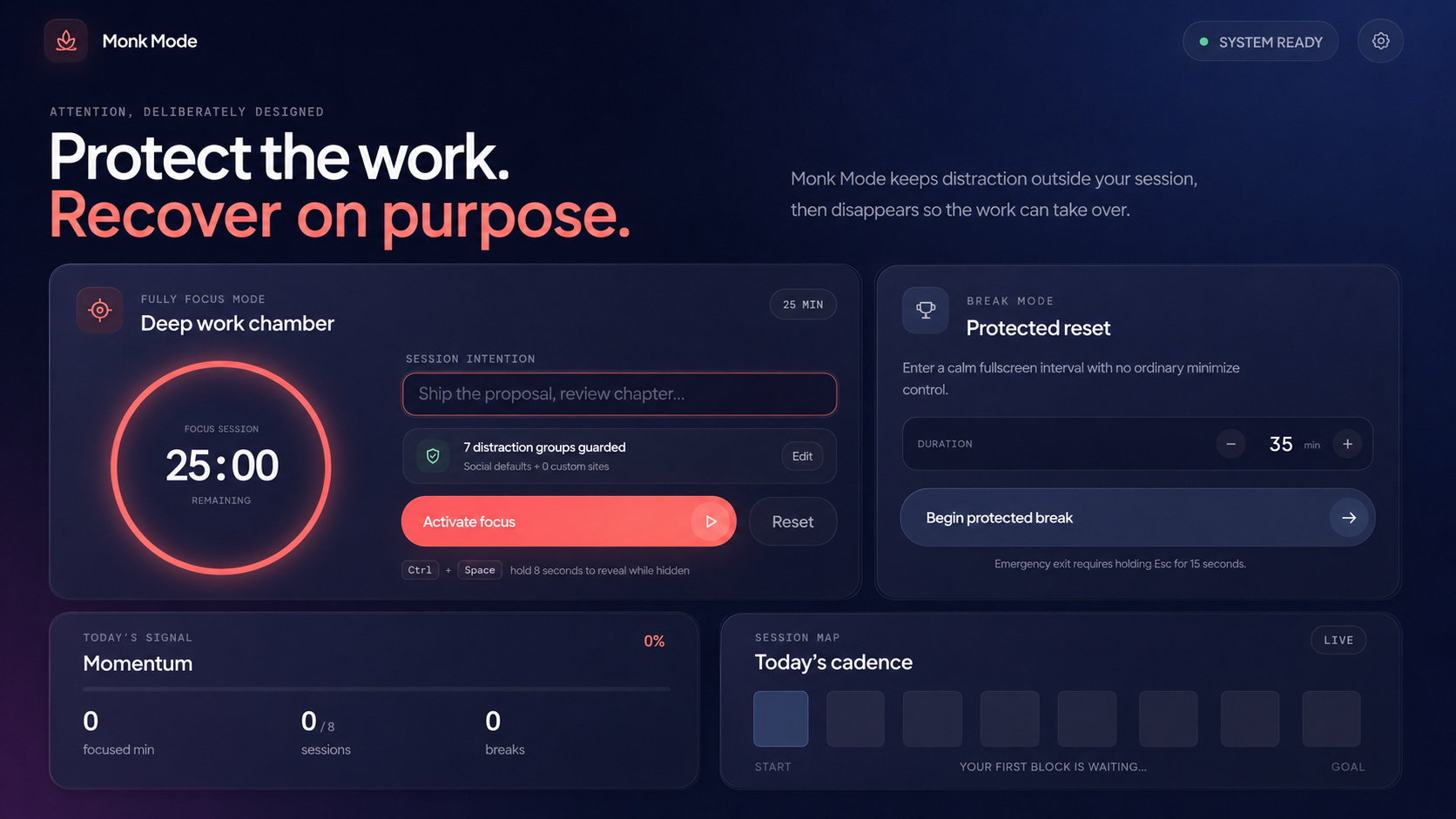
Write a short intention and choose a duration for the deep work timer. When Monk Mode returns, the thought you started with returns too.
Monk Mode closes it gently. Start a deep work timer, block distracting websites, and let this private Windows focus app disappear until you deliberately call it back.
A notification becomes a tab. A tab becomes twenty minutes. By the time you notice, the thing you meant to make has become the thing you keep postponing.
Monk Mode was built for that exact fracture. It is not another dashboard demanding to be managed. It is a boundary you prepare once, then stop thinking about.
Your intention stays visible. Your distracting sites stop responding. The timer continues in the background. The app leaves the taskbar and gives the screen back to your work.
Monk Mode combines a deep work timer, website blocker, hidden desktop utility, and fullscreen break timer in four deliberate steps.
Write a short intention and choose a duration for the deep work timer. When Monk Mode returns, the thought you started with returns too.
Focus Mode moves into the Windows system tray while the website blocker and timer continue quietly.
Hold the global shortcut for eight seconds. A maximized dashboard restores your exact session.
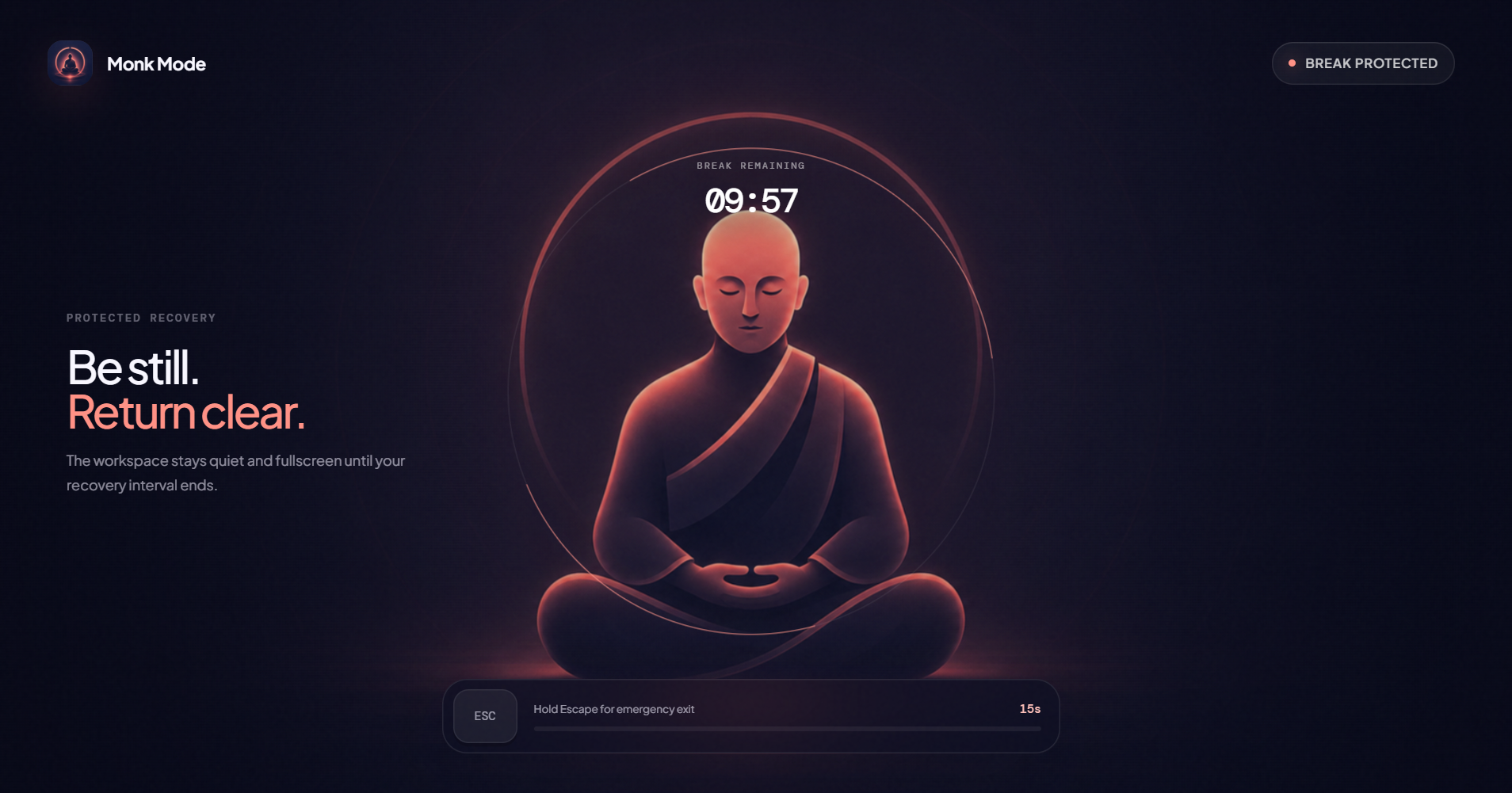
Protected Break Mode becomes fullscreen. The emergency exit asks for a 15-second Escape hold—long enough to decide instead of react.
Monk Mode is a free focus app for students, writers, developers, creators, and remote workers who want fewer decisions between intention and action.
Download for WindowsPause built-in social distractions and add up to 50 custom domains before the focus session begins.
The countdown and blocking services continue while the desktop window hides in the Windows system tray.
Protected Break Mode creates a calm recovery screen with a deliberate 15-second emergency exit.
Daily momentum, focused minutes, intentions, and settings remain in a local SQLite database without an account.

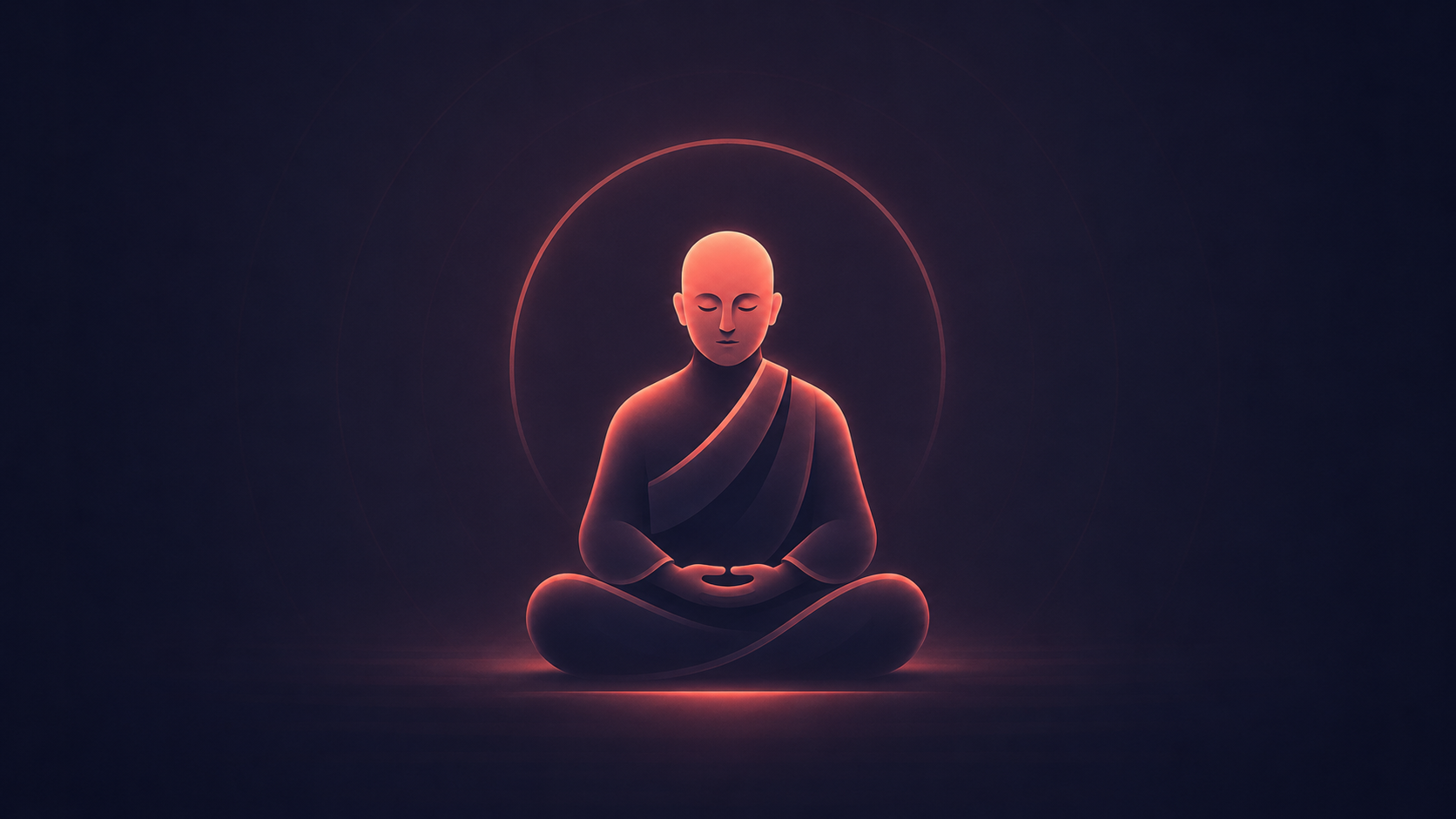
The timer moves around the monk while the rest of the interface recedes. No ordinary minimize button. No accidental escape. Just a finite interval where doing nothing is the work.
No account. No cloud profile. No behavioral feed. Your intention, blocklist, sessions, daily goal, and momentum live in a local SQLite database on your computer.
Inspect the sourceClear answers about the Windows website blocker, deep work timer, local privacy, hidden mode, and protected breaks.
Monk Mode is a free, local-first Windows focus app that combines a deep work timer, custom website blocker, hidden system-tray mode, and protected fullscreen breaks.
When Focus Mode starts, Monk Mode updates the Windows hosts file to block built-in social sites and your custom domains. Access is restored when the session pauses, resets, or ends. Administrator access may be required.
Yes. Add up to 50 custom domains before starting Focus Mode, alongside the built-in social media blocklist.
Monk Mode is free to download from GitHub and does not require an account. Settings and session history stay in a local SQLite database on your computer.
Yes. The timer and blocking services continue in the background while Monk Mode stays in the system tray. Hold Ctrl and Space for eight seconds to reveal the dashboard.
Protected Break Mode is a fullscreen recovery timer without an ordinary minimize control. An emergency exit requires holding Esc for 15 seconds.
Yes. After installation, the timer, local session data, tray mode, and website blocklist work without a cloud account or continuous internet connection.
Monk Mode is free to download for Windows. Install it, choose one meaningful task, and close the door.
Explore Monk Mode on GitHub